01 / Getting ideas
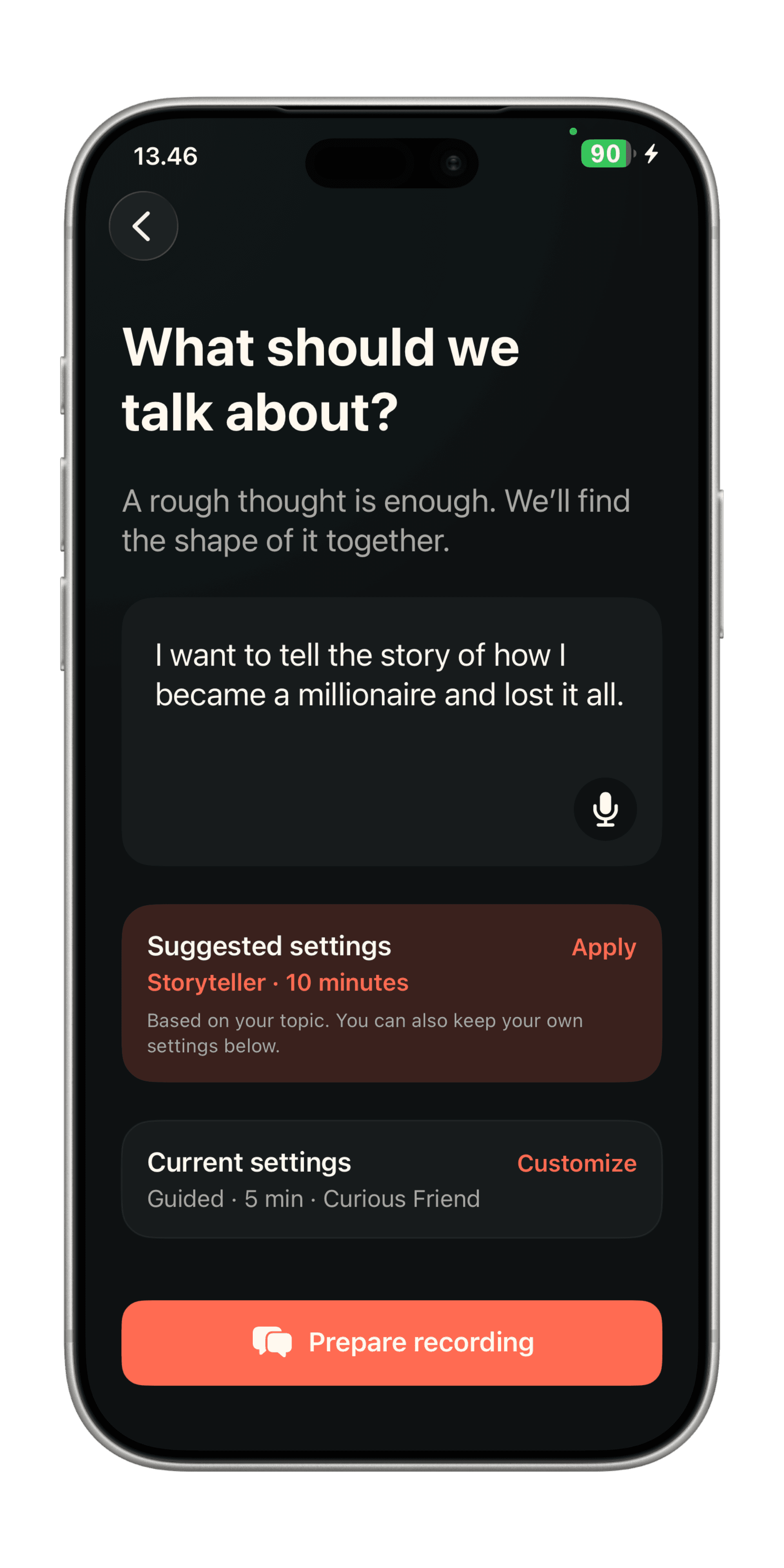
A rough thought is enough.
Type it, or say it out loud. “I keep meaning to talk about this” counts. Maki suggests how to talk it through and roughly how long. Change that if you want, then hit record.
Features
From first thought to final cut, MakiRoll makes video creation feel effortless.
Maybe you have an idea of what to say. Maybe you don't. Maki helps you with both.
01 / Getting ideas
Type it, or say it out loud. “I keep meaning to talk about this” counts. Maki suggests how to talk it through and roughly how long. Change that if you want, then hit record.
02 / Getting ideas
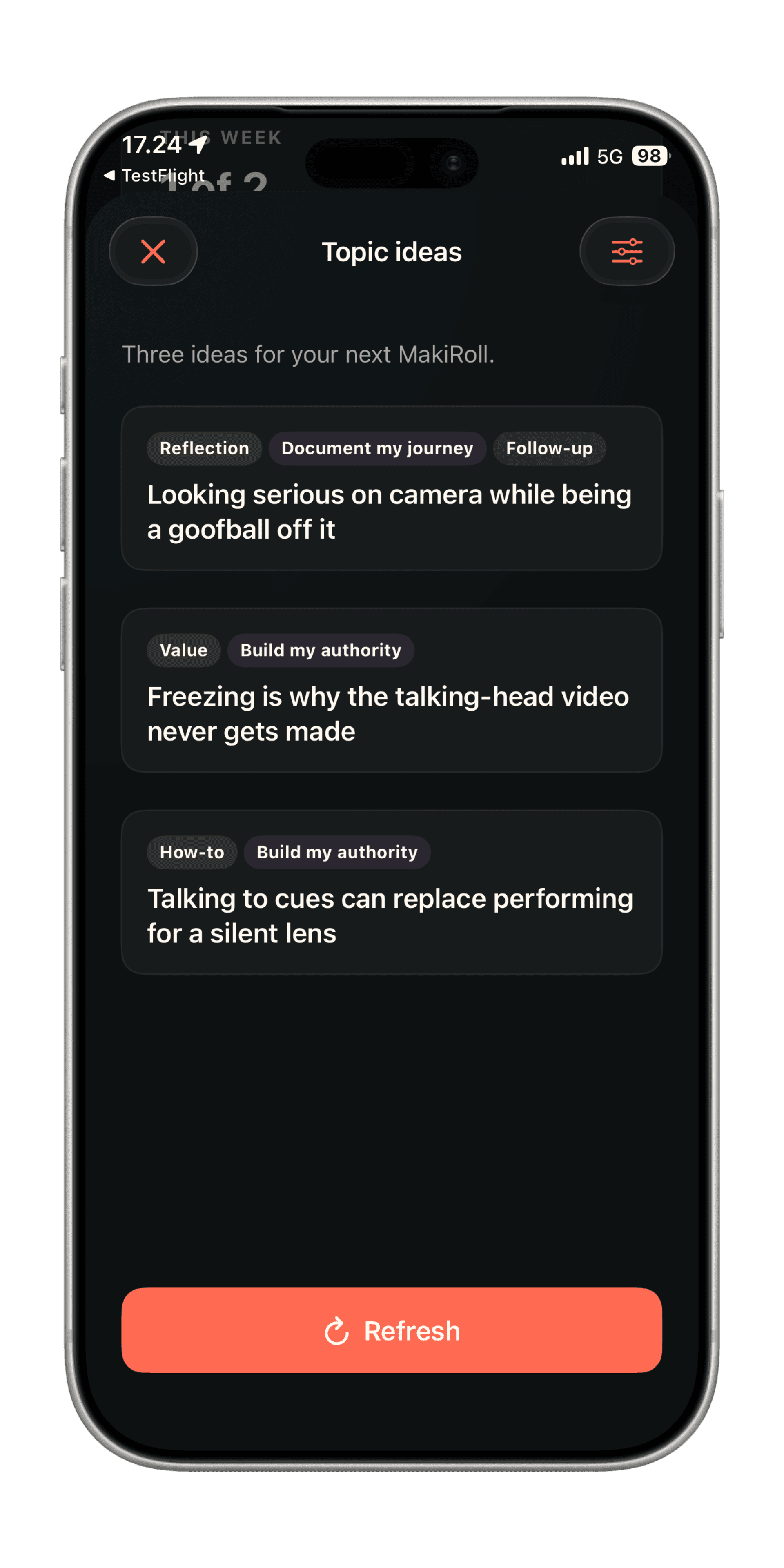
If the blank box is staring back, Maki can help you find ideas to talk about. Set a channel, a goal, maybe a product, and let Maki suggest topics to talk about.
You talk. Maki asks. Your face stays off the screen unless you turn it on.
03 / Recording
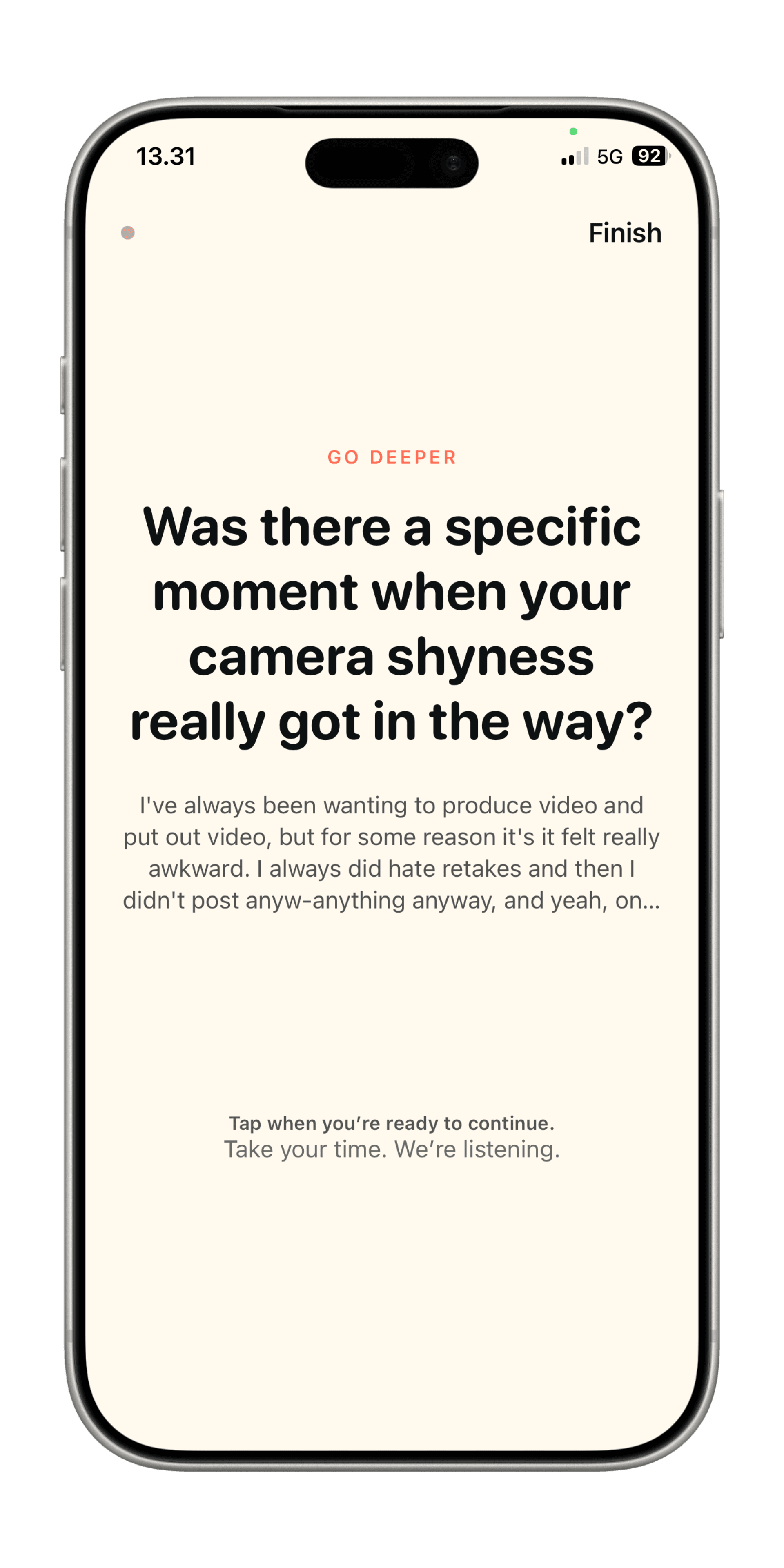
One question on screen. Your face is off by default, so you’re answering something instead of watching yourself freeze. Pause as long as you want, then take the next question when you’re ready. There’s nothing to memorize.
04 / Recording
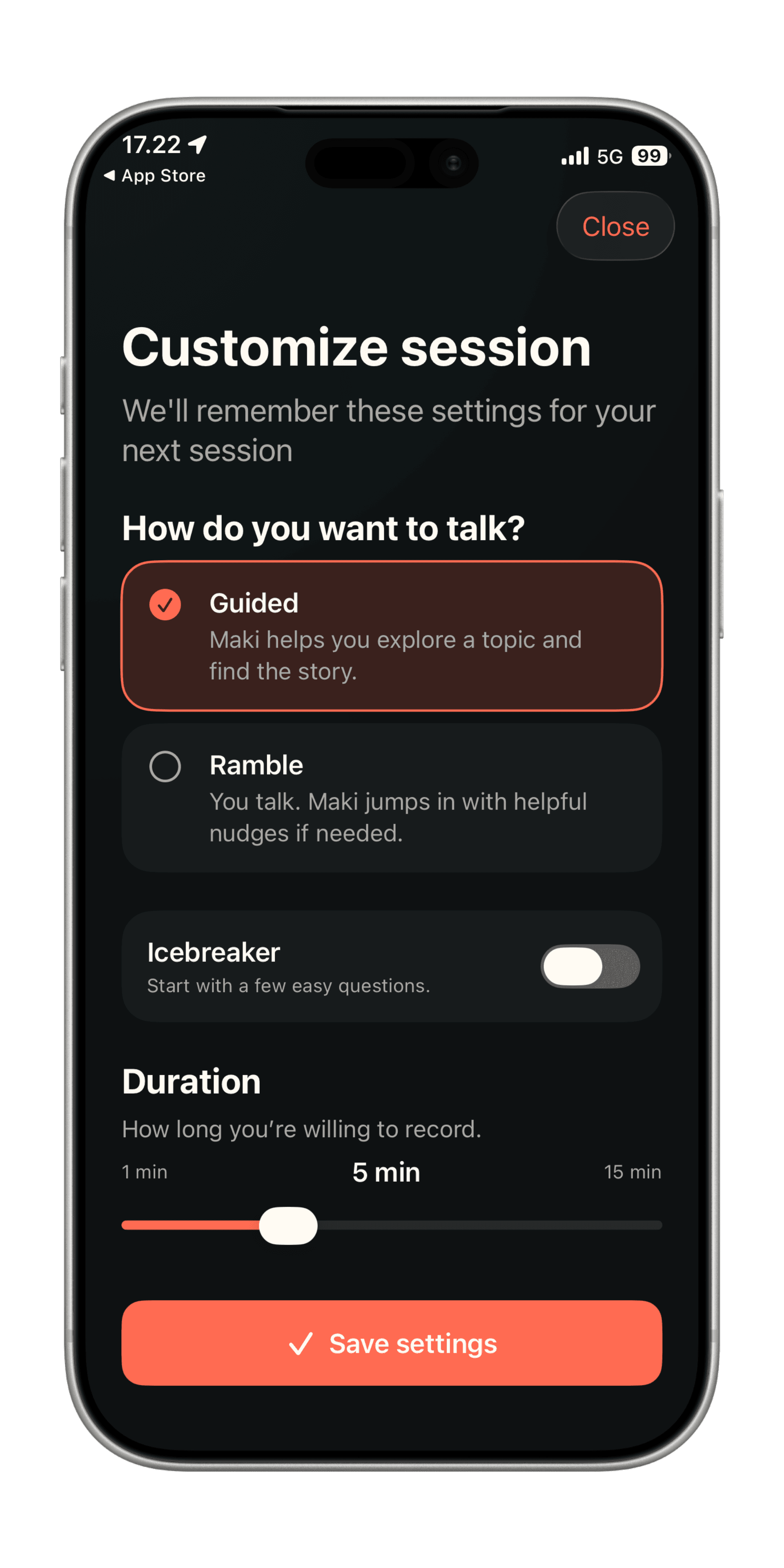
Guided means Maki asks and you answer. Ramble means you already know, so you just talk. You can add a couple of easy warm-ups, and set a time so you don’t sit there all afternoon.
05 / Recording
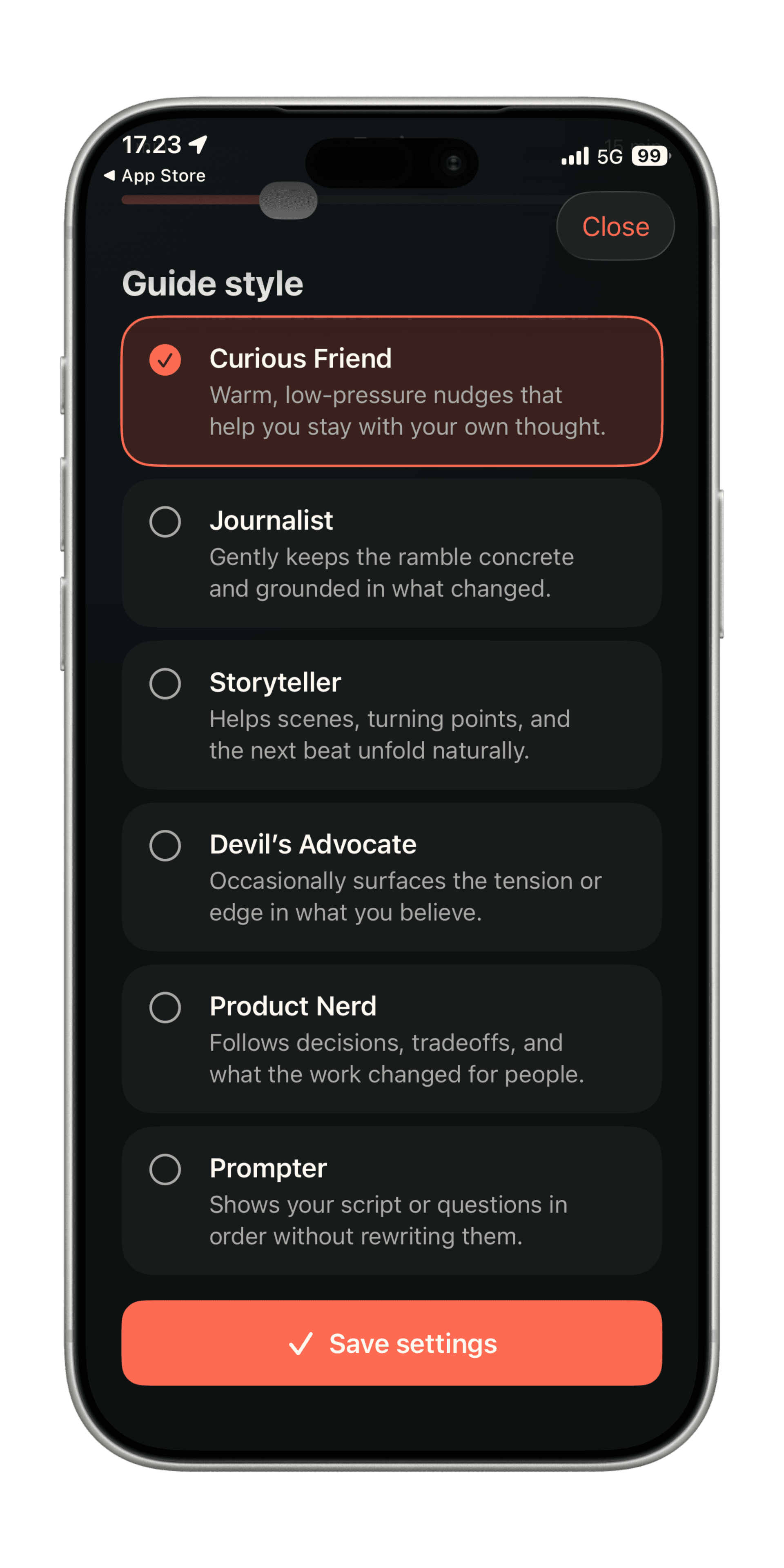
Maki can be the curious friend, the slightly sharper interviewer, or the person who helps you find the story. It can push you a bit, or look at your product with you. If you already wrote something, Prompter can show it one line at a time in Ramble.
06 / Recording
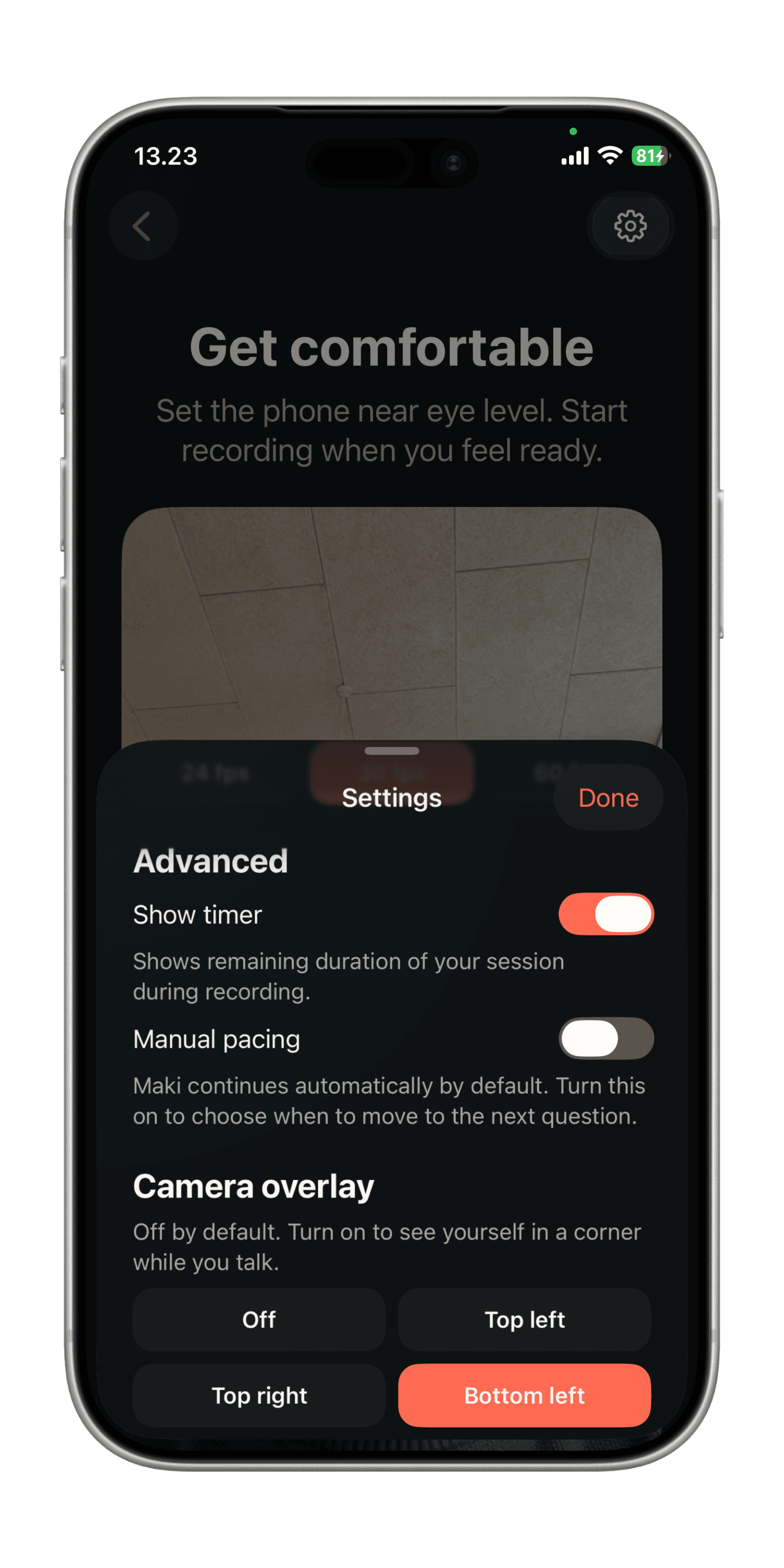
There’s a timer if you want one. You can decide when to move on. You can turn on a small view of yourself. Leave it off if seeing yourself makes it worse.
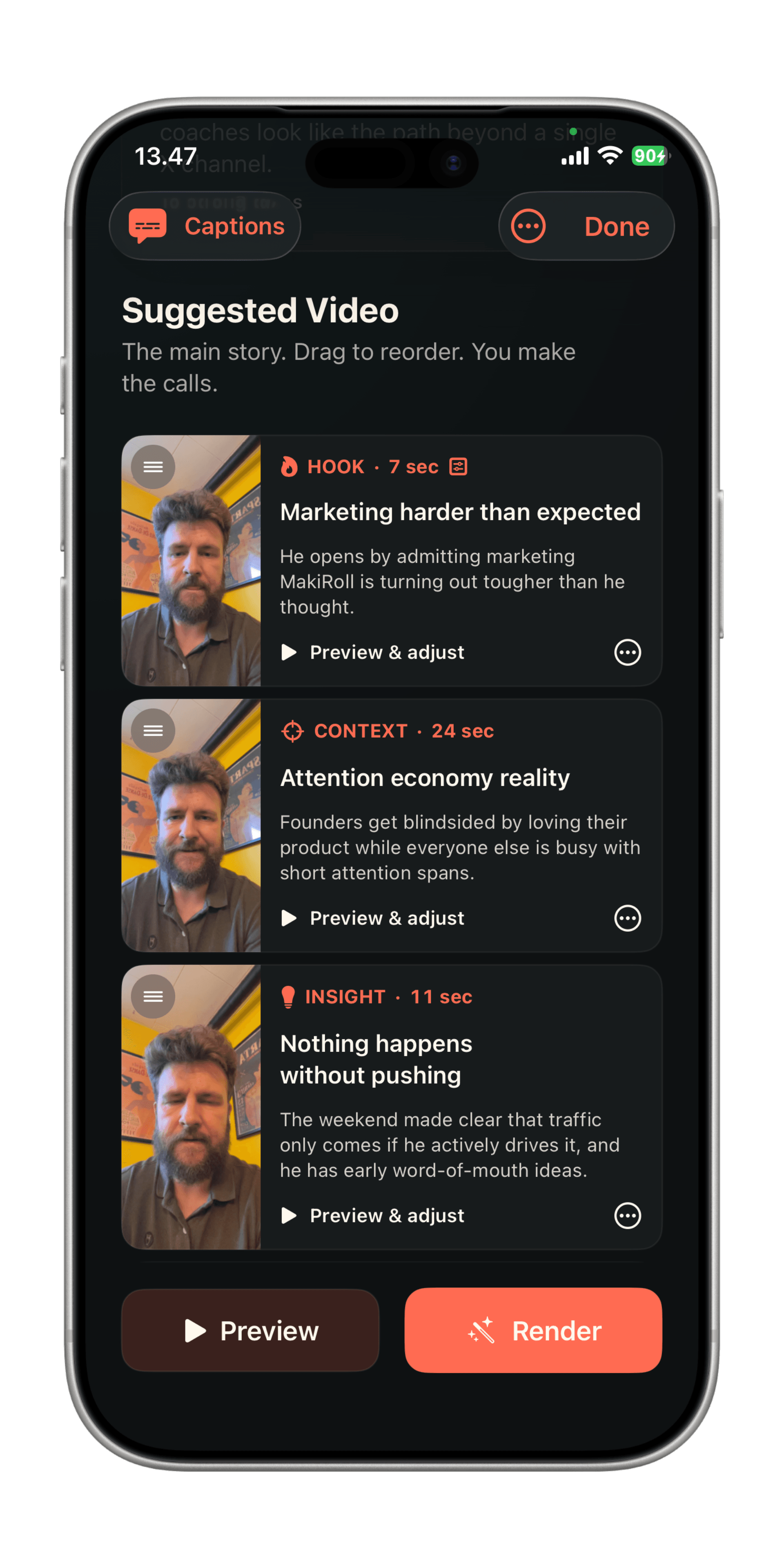
Maki suggests a video from what you actually said. You decide what stays.
07 / Editing
Maki pulls a story out of the recording. Preview the clips, move them around, drop the ones that don’t belong. Approve it when you're happy.
08 / Editing
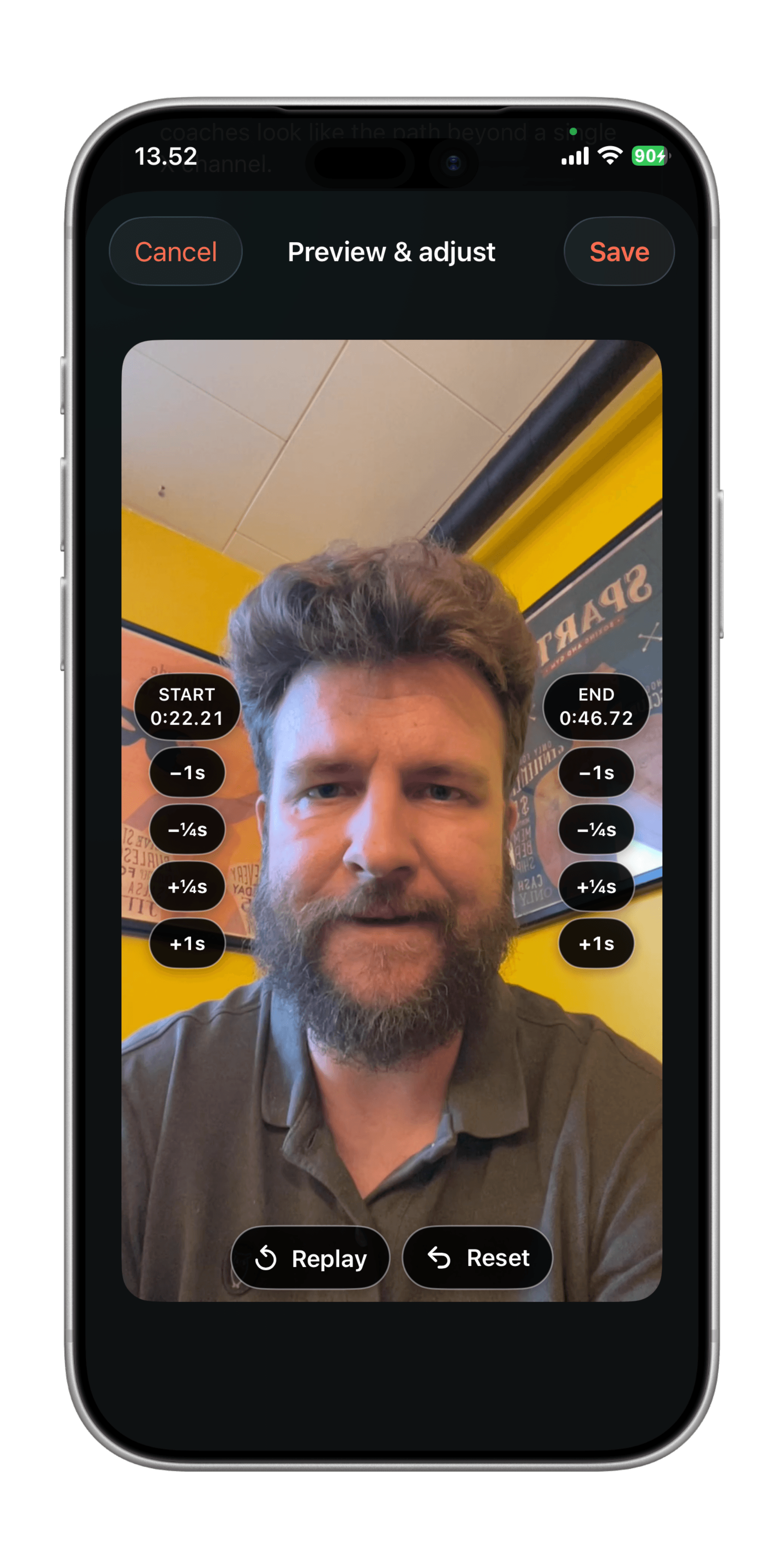
Trim the “uh, so anyway” at the front, or the long pause at the end. Keep the sentence that worked. You don’t have to record it again.
09 / Editing
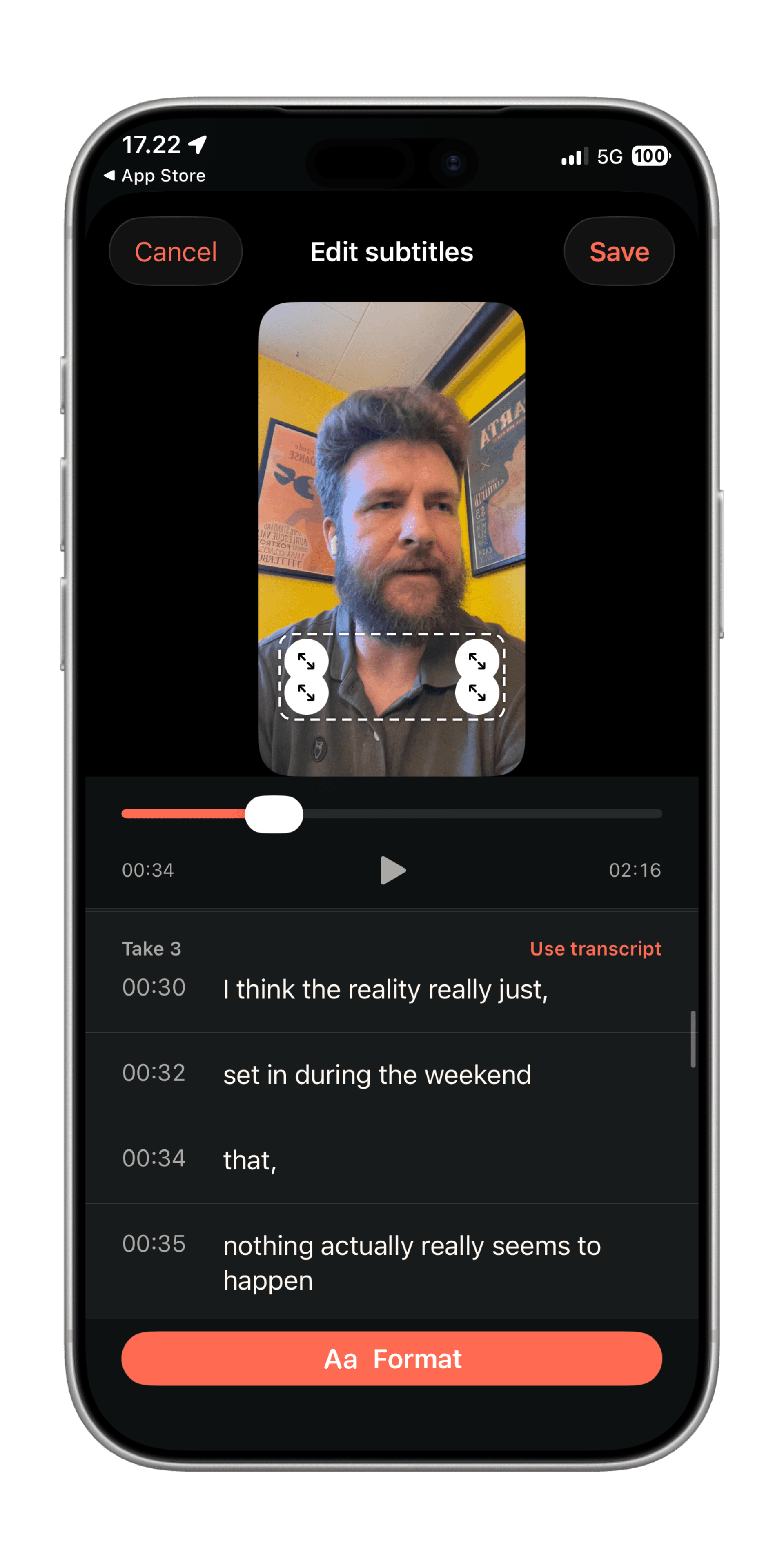
You said the wrong name, or a word came out wrong. Fix it in the captions and hit save. The take still counts.
10 / Editing
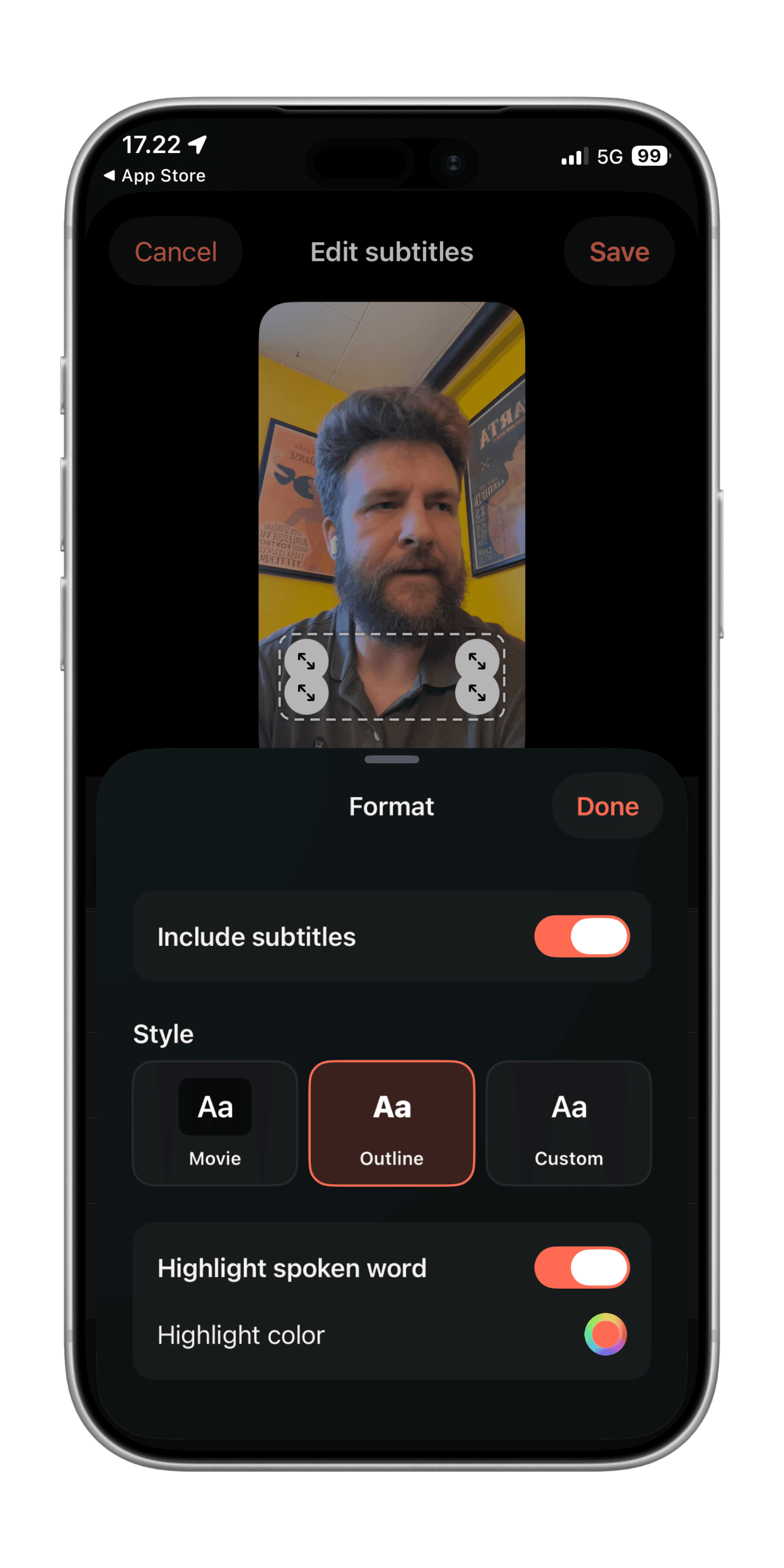
Pick Movie, Outline, or your own style. You can highlight the word you’re saying, so people can still follow along with the sound off.
The bits that make it easier to come back next week.
11 / Keeping momentum
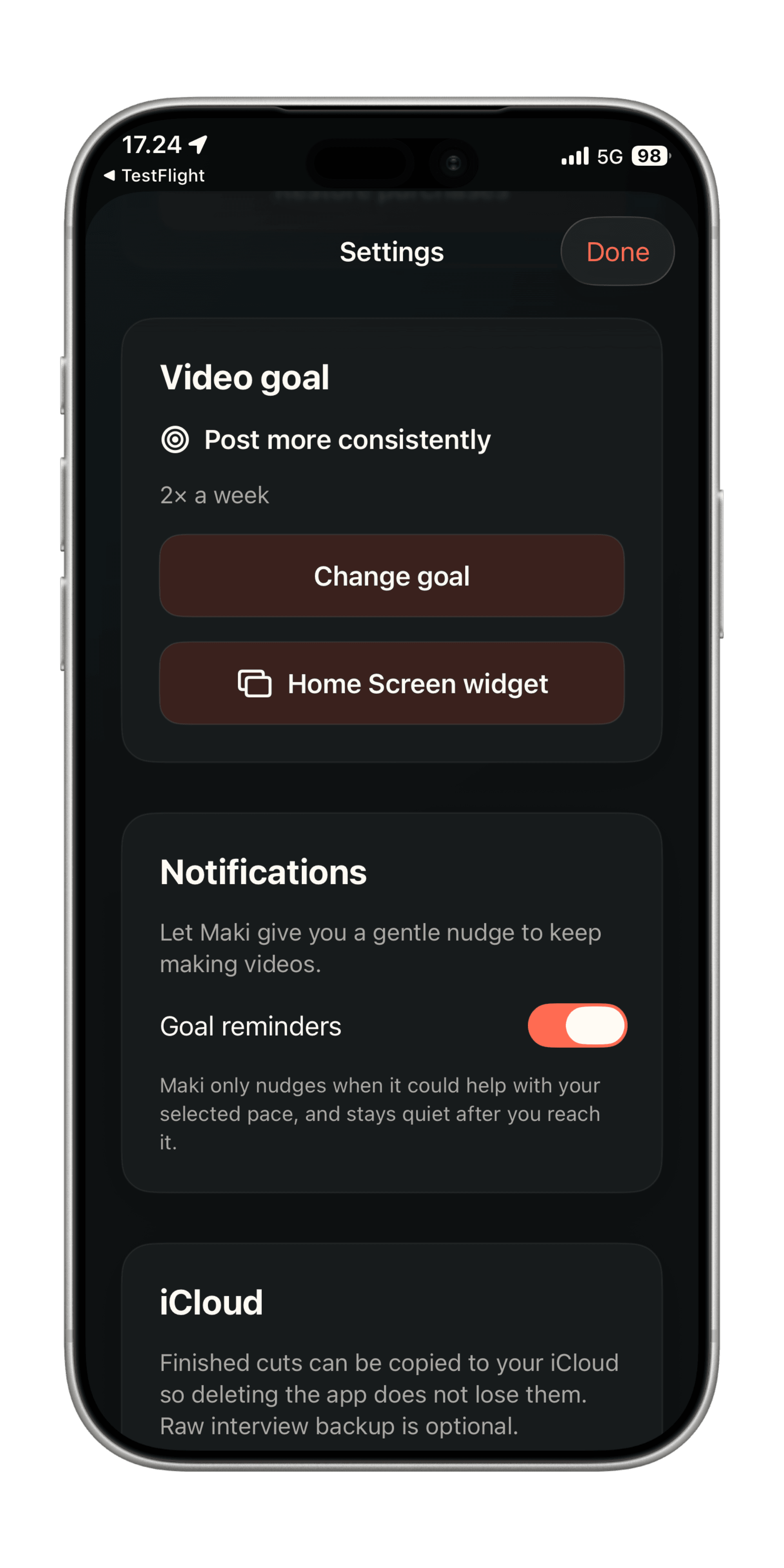
Pick a cadence you might actually do. Get a reminder. On iPhone, a home screen widget shows whether you showed up this week.
12 / Keeping momentum
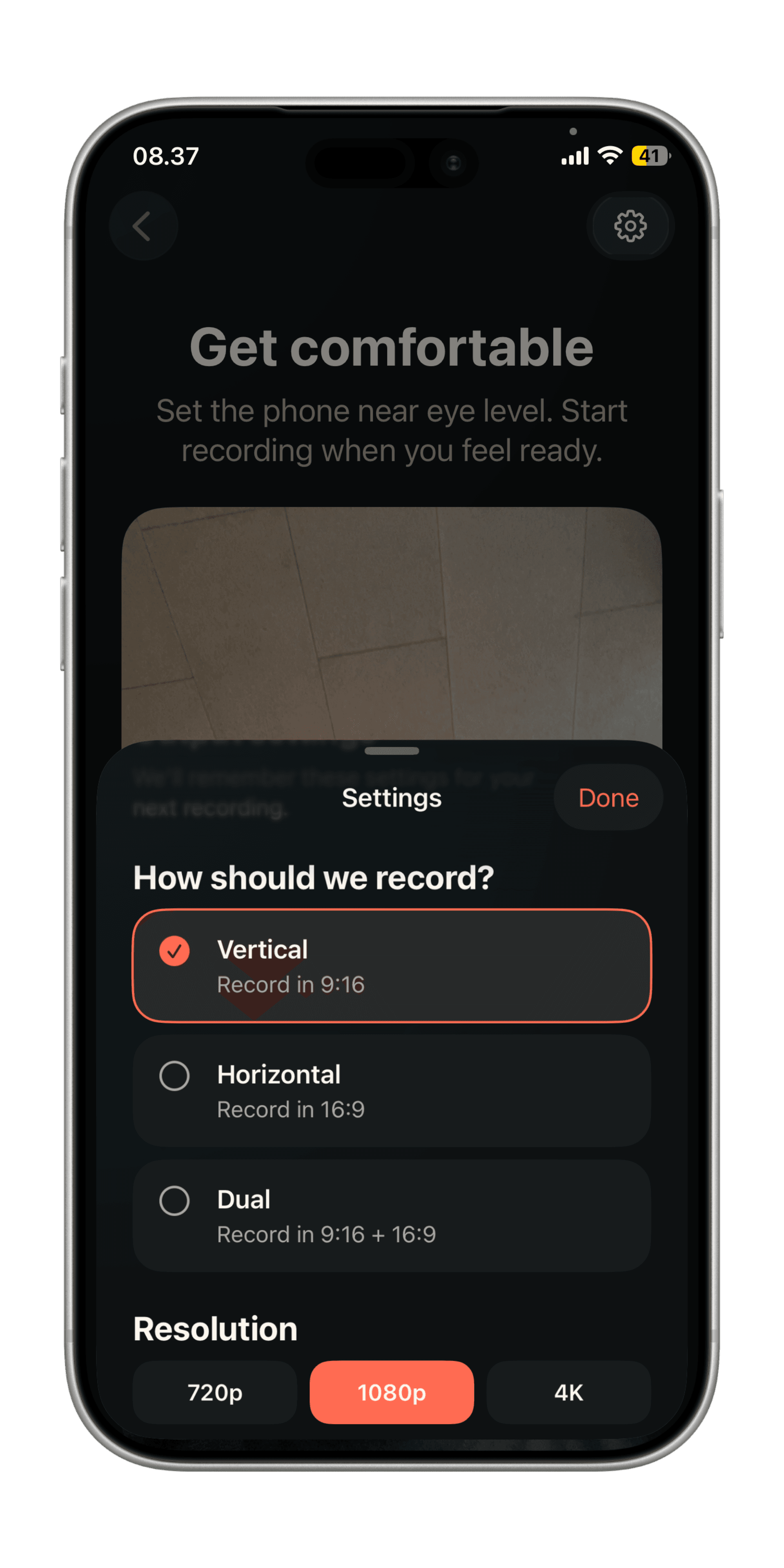
Vertical if it’s going on a phone. Wide if it’s going on a bigger screen. Or record both at once so you only talk once. On iPhone you can shoot 720p, 1080p, or 4K if your phone supports it.
13 / Keeping momentum
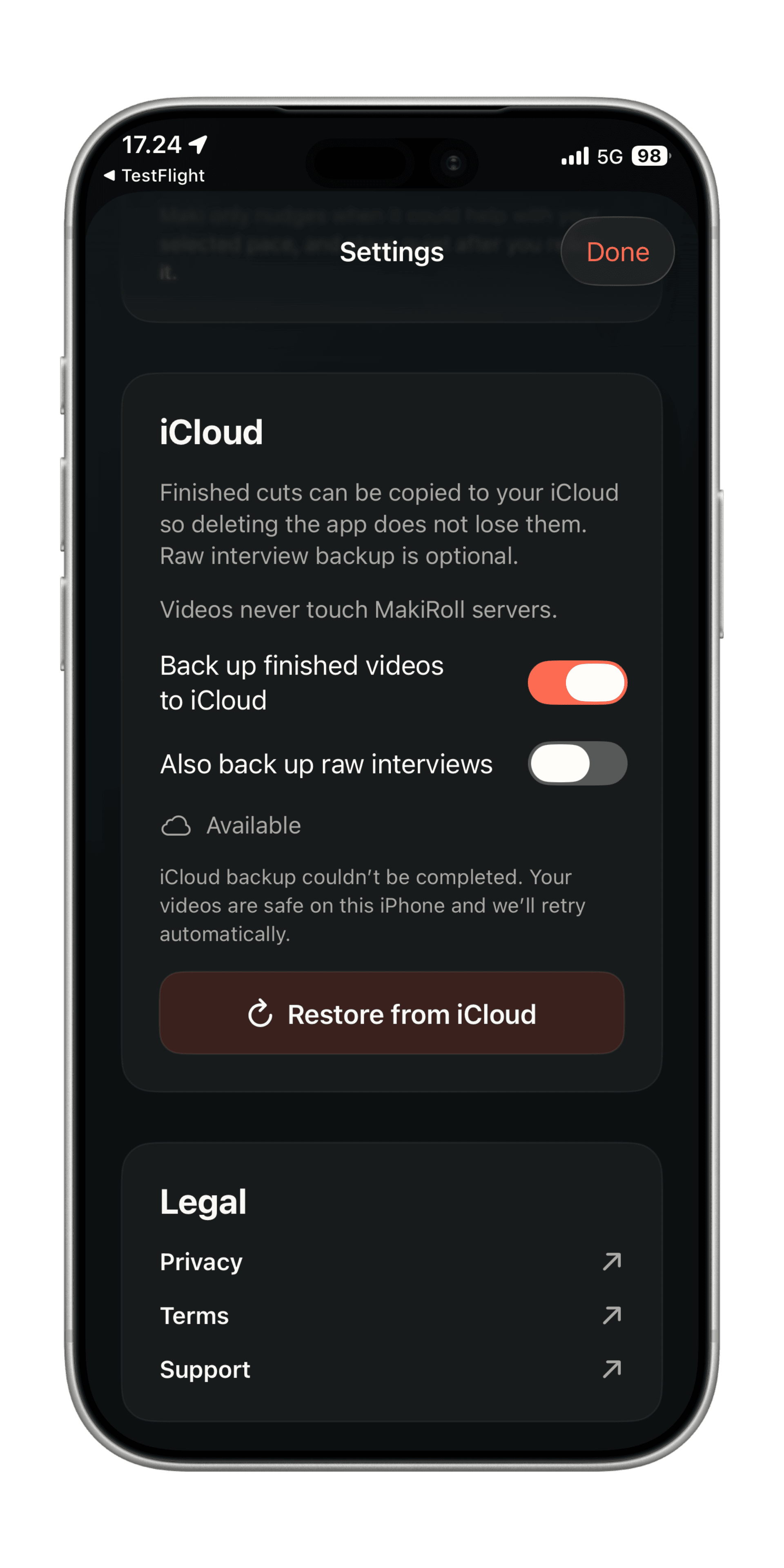
Your recordings stay on your iPhone. Finished videos can back up to iCloud, and the original recordings too if you want. Your videos never touch MakiRoll’s servers.
Export .srt-files, share videos directly to your favorite platform, or make multiple cuts of the same video. MakiRoll is evolving constantly. Reach out to [email protected] if you have a feature request.
3 videos free · No card required