Teleprompters
Teleprompter alternatives: what to use instead of reading a script
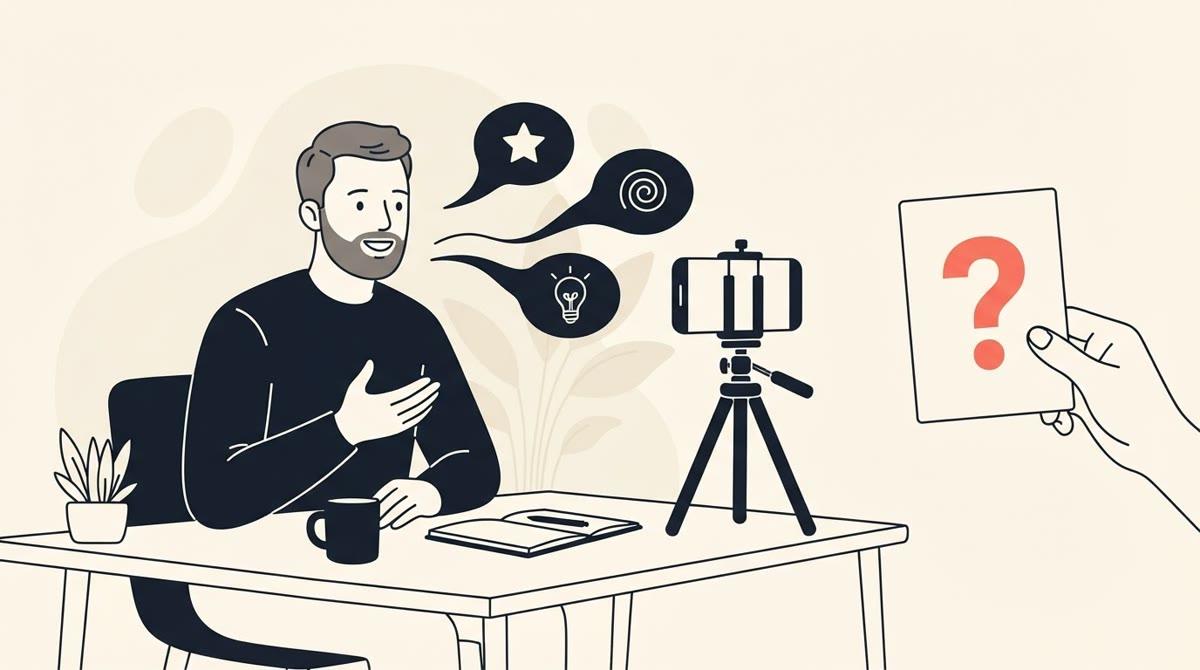
The best alternative depends on one question: do you have a finished script? If you do, you want a different kind of prompter. If you don't, you want something that gets you talking, instead of something that shows you words.
| Instead of a teleprompter | Best when | What it costs you |
|---|---|---|
| Notes by the lens | You know the points and need a map | A few more takes, some jump cuts |
| Cue cards | You have a few beats to hit | Looking away from the lens |
| A voice-following prompter | You have a script and keep pausing | Still reading, plus a speech permission |
| A mirror rig | You have a script, an audience and a budget | Hardware, setup time, a second device |
| Questions to answer | You know the point but not the words | A tool that asks them, or a person who will |
If you have a script
A different prompter solves different problems. Apps that follow your voice move the text when you speak and wait when you pause, so you stop chasing a fixed scroll. A mirror rig puts the text in front of the lens, which gives you the most natural eye line. These can be heavy, expensive and needing a second device. For most creators, an app is usually enough.
Whichever you pick, the setup advice is the same. Here are the steps.
If you don't have a script
Notes by the lens
Five bullets, five words each, next to the camera. You say the sentences as they come. This is the cheapest option and it sounds most like you. The downside is you'll record more takes and cut between them.
Cue cards
The same idea on paper: one card per beat, held up by someone out of shot or taped beside the lens. It works for short videos. The giveaway is your eyes dropping to read the card.
Questions to answer
If the real problem is that the words fall apart, no traditional teleprompter will fix that. What helps is someone asking you a question, so you answer instead of performing. Similar to how you'd explain the thing to a client. The answer becomes your paragraph.
A colleague can do this with a list of five questions and a phone on a tripod. An app can do it when nobody's around. MakiRoll asks one question at a time while the camera records. The next one follows from what you just said.
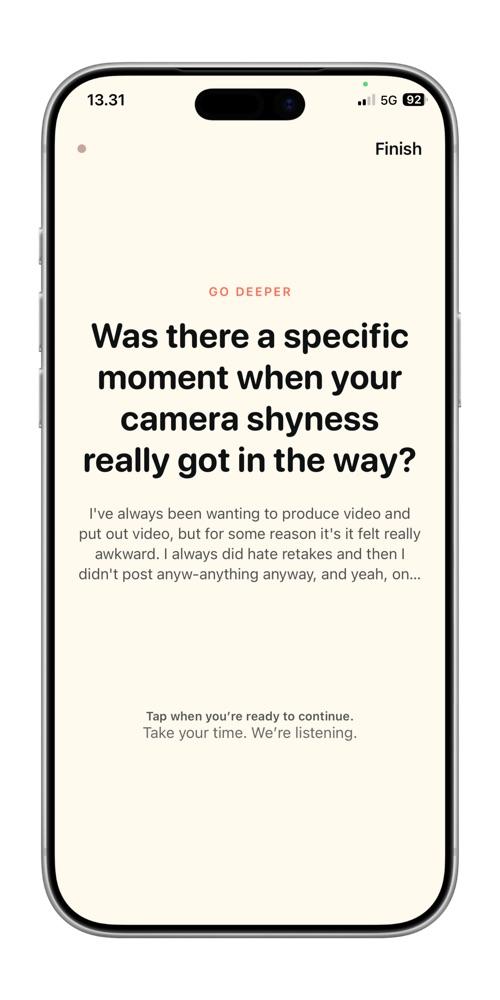
Which should you use?
- You have a finished script you won't memorise: a prompter, ideally one that follows your voice.
- You have bullets and lose your place: notes by the lens.
- You know your subject and the words fall apart: questions to answer.
- You don't know what to say yet: pick a client question and answer it on camera.
Not sure which one you are? Answer six questions about your last attempt, and learn whether a teleprompter is the right choice for you.
Where MakiRoll fits, and where it doesn't
MakiRoll isn't a teleprompter, and it isn't the right pick for every video. If you have a script you love and a long piece to deliver, use a prompter. MakiRoll has a Prompter mode that shows a script one line at a time, but a dedicated prompter app has more controls.
MakiRoll is for the video you'd otherwise never record: the update, the answer every prospect asks for, the module intro. You answer questions out loud, it finds your strongest takes, and you approve the cut. Three videos are free, with no card.
Quick answers
- What to use instead of a teleprompter?
- It depends on whether you have a finished script. With a script: a voice-following prompter app, or a mirror rig. Without one: notes next to the lens, cue cards, or an app that asks you questions so you answer instead of read.
- Is there an app that works like a teleprompter?
- Yes. Teleprompter apps scroll your script on a phone or tablet. Some follow your voice so the text moves when you speak. Apps like MakiRoll skip the script: they ask you questions while the camera records and you answer out loud.
- Can I use my phone as a teleprompter?
- Yes. A teleprompter app on a phone or tablet is enough to start. The closer the screen is to the camera lens, the more natural your eye line looks.
- How do I make a DIY teleprompter?
- The simple way is a phone or tablet with a prompter app, set right under your camera on a stand. Professional rigs use a half-silvered mirror in front of the lens, which reflects the script to you while staying invisible to the camera. You can skip the hardware entirely with notes or questions.
Try it instead of a script
MakiRoll asks you questions while the camera records, finds your strongest takes, and exports the cut you approve. Three videos free, no card.
Start recordingKeep reading
What a teleprompter does to your delivery
A prompter removes memorising and adds reading, and reading is its own skill. What people report, what the setup guides admit, and what nobody has measured.
How to use a teleprompter, step by step
Put the text next to the lens, keep the lines short, scroll at your speaking pace, rehearse once and record in sections. Seven steps, with the numbers behind them.